Introduction
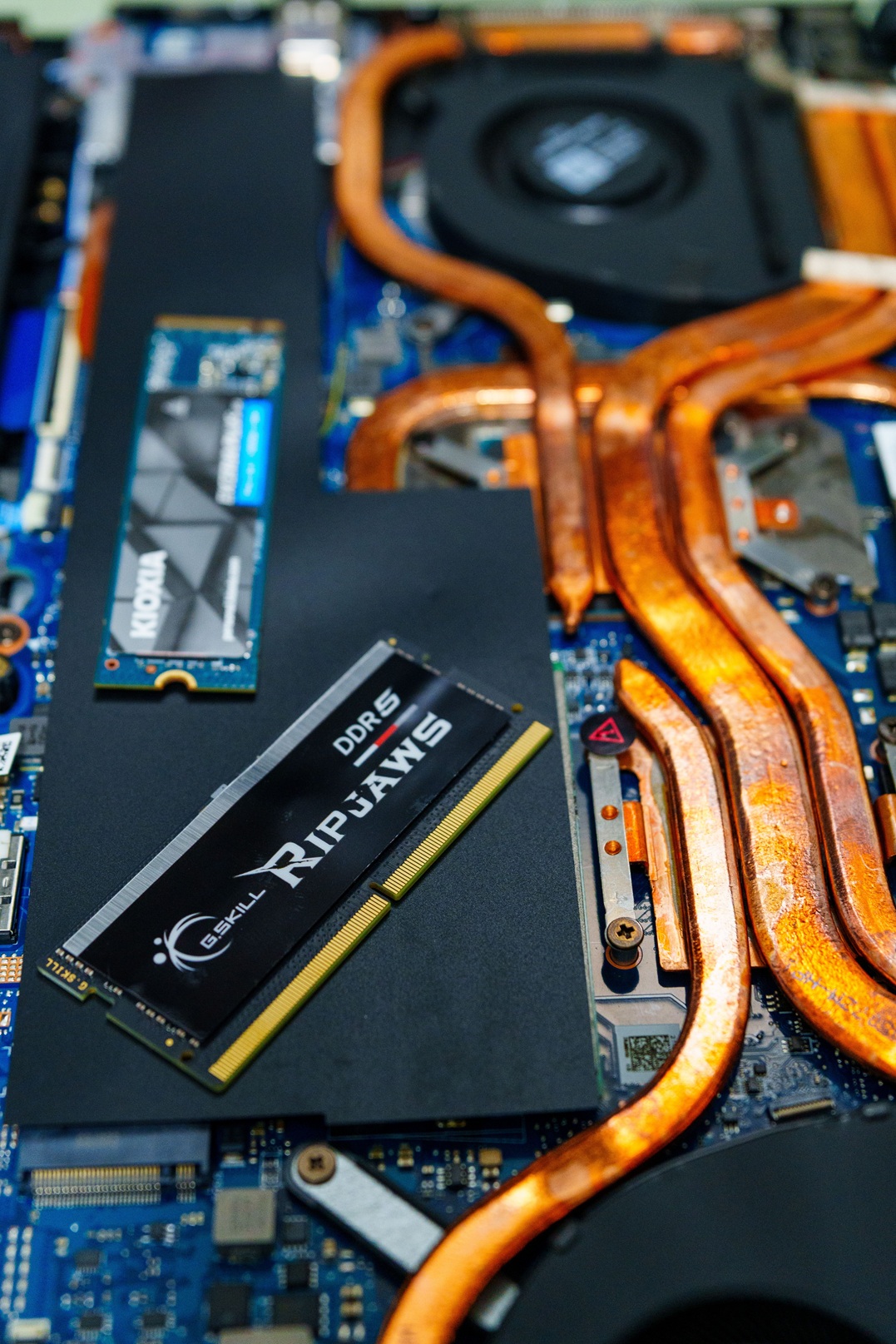
In 2026, upgrading to a Solid State Drive (SSD) is one of the best ways to improve your computer’s performance. Whether you are a gamer, student, content creator, or office worker, an SSD can significantly reduce loading times, improve responsiveness, and enhance overall productivity.
Traditional hard drives (HDDs) are much slower than modern SSDs. Games load faster, applications open instantly, and file transfers become much quicker when using a high-quality SSD.
In this guide, we will explore the best SSDs for gaming and productivity in 2026, compare their features, and help you choose the right one for your needs.
Why Upgrade to an SSD?
Before choosing an SSD, it is important to understand its benefits.
Key Benefits of SSDs
- Faster boot times
- Improved gaming performance
- Quick application launches
- Faster file transfers
- Better durability than HDDs
- Lower power consumption
- Silent operation
Whether you use a desktop PC or laptop, upgrading to an SSD provides an immediate performance boost.
Types of SSDs
1. SATA SSDs
SATA SSDs are affordable and significantly faster than HDDs. They are ideal for budget upgrades.
2. NVMe SSDs
NVMe SSDs use the PCIe interface and deliver much higher speeds than SATA SSDs.
3. PCIe Gen 5 SSDs
The latest generation of SSDs offers incredible transfer speeds and is ideal for high-end gaming and professional workloads.
Best SSDs for Gaming and Productivity in 2026
1. Samsung 990 Pro
The Samsung 990 Pro remains one of the most reliable SSDs available in 2026.
Key Features
- PCIe Gen 4 NVMe SSD
- Excellent read and write speeds
- Reliable thermal management
- Ideal for gaming and content creation
Pros
- Outstanding performance
- Excellent durability
- Trusted brand
Cons
- Premium price
2. WD Black SN850X
The WD Black SN850X is designed specifically for gamers who want maximum performance.
Key Features
- High-speed NVMe storage
- Gaming Mode support
- Excellent thermal efficiency
Pros
- Great gaming performance
- Fast loading times
- Reliable brand
Cons
- Slightly expensive
3. Crucial T500
The Crucial T500 offers excellent value for money and delivers strong performance.
Key Features
- PCIe Gen 4 support
- Competitive pricing
- Reliable performance
Pros
- Excellent value
- Fast speeds
- Easy installation
Cons
- Fewer premium features
4. Kingston KC3000
Kingston continues to offer dependable storage solutions for gamers and professionals.
Key Features
- Fast read/write speeds
- High endurance
- Multiple capacity options
Pros
- Reliable brand
- Strong performance
- Competitive pricing
Cons
- Availability may vary
5. SanDisk Extreme PRO SSD
SanDisk is known for dependable storage products and remains a strong choice in 2026.
Key Features
- Fast performance
- Reliable build quality
- Suitable for heavy workloads
Pros
- Great reliability
- Excellent productivity performance
Cons
- Higher capacities can be expensive
Best SSD for Gaming
If your primary goal is gaming, consider these options:
Recommended Gaming SSDs
- Samsung 990 Pro
- WD Black SN850X
- Kingston KC3000
These drives deliver fast game loading times and smooth performance for modern AAA titles.
Best SSD for Productivity
Professionals working with video editing, programming, graphic design, and large files should consider:
Recommended Productivity SSDs
- Samsung 990 Pro
- Crucial T500
- SanDisk Extreme PRO
These SSDs offer excellent file transfer speeds and reliable performance under heavy workloads.
How to Choose the Right SSD
Storage Capacity
Choose storage according to your requirements:
- 500GB: Basic users
- 1TB: Most users
- 2TB: Gamers and creators
- 4TB+: Professionals with large workloads
Speed Requirements
For gaming and professional tasks, NVMe SSDs are highly recommended.
Budget
Balance performance and budget. Mid-range NVMe SSDs often provide the best value.
Compatibility
Ensure your motherboard or laptop supports the SSD type you plan to purchase.
Installation Tips
Installing an SSD is relatively simple:
- Power off your PC.
- Open the case.
- Locate the M.2 slot.
- Insert the SSD carefully.
- Secure it with the mounting screw.
- Install the operating system or clone your existing drive.
Always check your motherboard manual before installation.
Frequently Asked Questions
Is an SSD better than an HDD?
Yes. SSDs are significantly faster, quieter, and more durable than HDDs.
How much SSD storage do gamers need?
Most gamers should consider at least 1TB of storage.
Are NVMe SSDs worth it?
Yes. NVMe SSDs offer much faster speeds and improved performance compared to SATA SSDs.
Can I use an SSD in a laptop?
Yes. Most modern laptops support SATA or NVMe SSDs.
Final Verdict
SSDs have become essential for modern computing. Whether you are building a gaming PC, upgrading your laptop, or improving your productivity workflow, investing in a quality SSD can dramatically enhance your experience.
For premium performance, the Samsung 990 Pro remains one of the best choices available. Gamers will love the WD Black SN850X, while budget-conscious users should consider the Crucial T500 for excellent value.
Choose the SSD that matches your needs, budget, and system compatibility, and enjoy faster performance throughout 2026 and beyond.